How to Query a Unified Customer Profile Through an API in Real Time

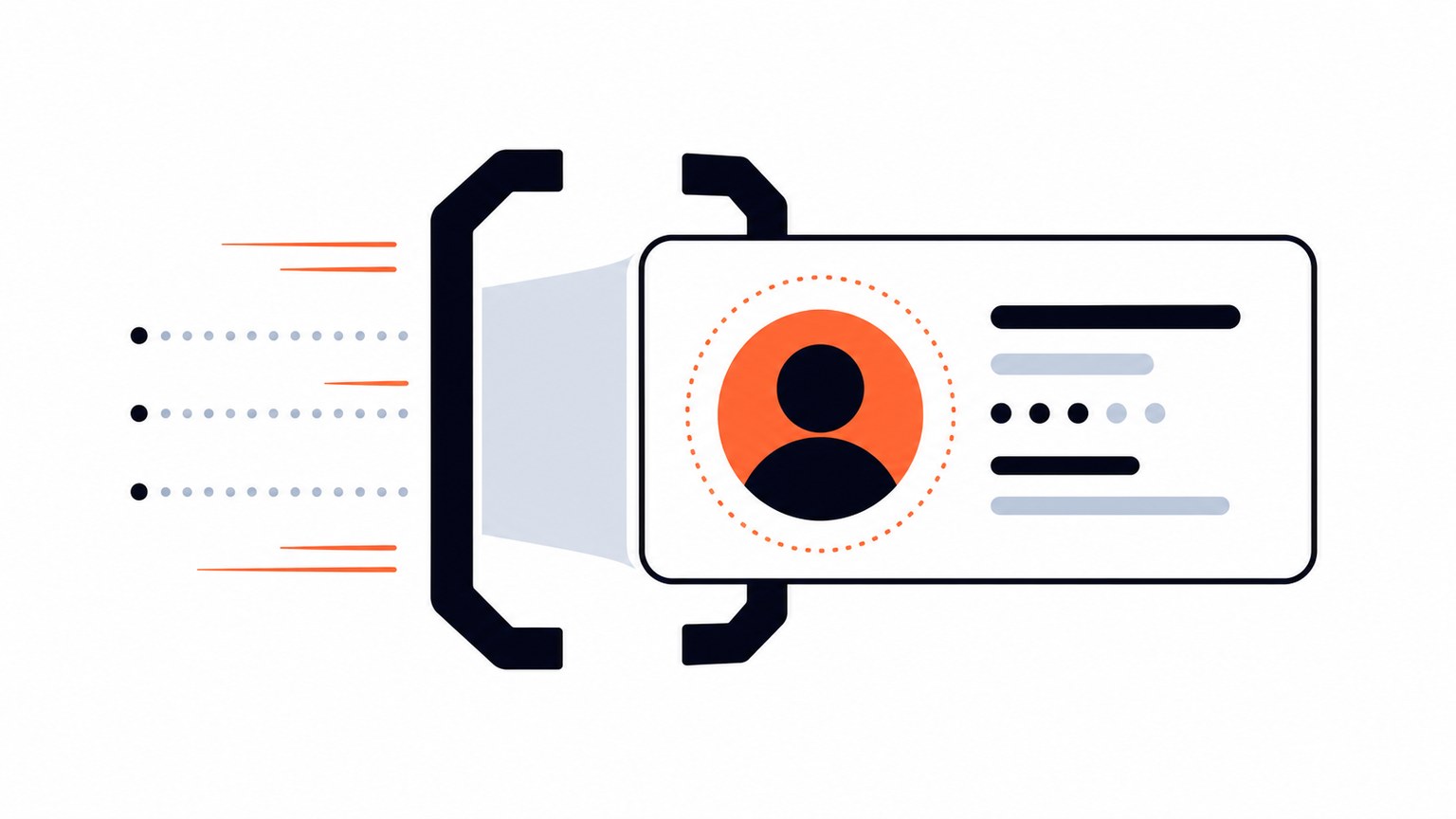
TL;DR: Query a unified customer profile in real time by calling a single GraphQL request, such as
search,entity, orentityByRecord, against an entity graph that we already resolved when the records were ingested. The API call returns one entity with its linked records, match scores, and edges, so your application never re-runs matching logic on the request path.
Book a demo to see real-time identity resolution on your data, or get the evaluation build to try the API locally.
What is the fastest way to query a unified customer profile through an API in real time?
The fastest path is to separate resolution from retrieval. We resolve records into entities at ingestion, when data is submitted or changed, using deterministic matching (exact identifiers such as account IDs and emails) combined with probabilistic and fuzzy matching (name variants, address formats, phone normalization). By the time your application needs a profile, that work is already done and sitting in the entity graph.
At query time, your application makes one GraphQL call and gets back the current resolved view: the entity, its linked source records, and the match evidence behind the grouping. Nothing gets stitched together on the fly, and nothing waits on a batch job. That is the structural difference between a real-time customer profile API and an overnight customer 360 pipeline: the heavy lifting happens once, ahead of the request, not every time someone asks for the profile.
What does a real-time customer profile query call actually look like?
Say a support application needs the full picture on a customer the moment an agent opens a case, and all it has is an email address. The request looks like this:
{
  search(input: {
    parameters: {
      email: "jane.doe@example.com"
    }
  }) {
    entities {
      id
      records {
        id
        sourceSystem
        email
        firstName
        lastName
        phoneNumber
        accountId
        lastOrderDate
      }
      edges
      duplicates
      hits
      score
      hitScore
    }
  }
}
And a representative response, built from the field shapes in our GraphQL API reference, looks like this:
{
  "data": {
    "search": {
      "entities": [
        {
          "id": "5b1b2e3a-9c2d-4f7e-8a1b-6d2c9e4f0a3b",
          "records": [
            {
              "id": "crm-00931",
              "sourceSystem": "CRM",
              "email": "jane.doe@example.com",
              "firstName": "Jane",
              "lastName": "Doe",
              "phoneNumber": "+1-555-0142",
              "accountId": "ACC-77210",
              "lastOrderDate": null
            },
            {
              "id": "billing-44210",
              "sourceSystem": "Billing",
              "email": "j.doe@example.com",
              "firstName": "Jane",
              "lastName": "Doe",
              "phoneNumber": null,
              "accountId": "ACC-77210",
              "lastOrderDate": "2026-06-30"
            },
            {
              "id": "support-11837",
              "sourceSystem": "Support",
              "email": "jane.doe@example.com",
              "firstName": "J.",
              "lastName": "Doe",
              "phoneNumber": "+1-555-0142",
              "accountId": null,
              "lastOrderDate": null
            }
          ],
          "edges": [
            "crm-00931:billing-44210:EMAIL_MATCH",
            "crm-00931:support-11837:PHONE_EMAIL_MATCH",
            "billing-44210:support-11837:ACCOUNT_ID_MATCH"
          ],
          "duplicates": {},
          "hits": {
            "crm-00931": ["EMAIL"],
            "support-11837": ["EMAIL"]
          },
          "score": 0.97,
          "hitScore": 0.99
        }
      ]
    }
  }
}
One entity, three linked source records, a set of edges showing which rule connected which pair, and a score and hitScore your application can use to decide how confidently to act. This is a single read against the entity graph over an authenticated GraphQL endpoint (each instance gets its own api_url and OAuth2 access token, per our authentication guide). There is no re-matching step in that request, so it runs like any other real-time API call your application already makes, not like a nightly customer 360 refresh.
New posts on entity resolution, identity data and AI. No spam, unsubscribe any time.
What best practices apply when querying a unified customer profile API?
A few habits separate a query path that stays fast and reliable from one that quietly degrades:
- Query by the strongest identifier you have. An
entityByRecordlookup on a known record ID or anentitylookup on a known entity ID is more precise than a broadsearch. Reserve search for the cases where you only have a partial identifier such as an email or phone number. - Request only the fields your workflow needs. The schema is yours to shape per request. A support screen and a fraud check rarely need the same fields, so ask for less when you can.
- Read score and hitScore explicitly. Do not treat every returned entity as equally certain. Build a threshold into your application logic for what counts as a confident match versus one that should surface a human review step.
- Cache and reuse your OAuth2 token. Tokens are valid for an hour by default. Re-requesting one on every call adds latency and load for no benefit.
- Treat edges and duplicates as an audit trail, not noise. When a customer disputes a merge or a regulator asks why two records were linked, the edges array is the evidence.
The table below compares four common ways teams get a unified view of a customer into an application, and where each one lands on the dimensions that matter for a real-time query path.
| Approach | Where matching happens | Query-time latency | Freshness | Explainability |
|---|---|---|---|---|
| Stitching records in application code | Every request, inside your service | Grows with data volume; slows as sources are added | Current, but fragile under schema drift | Whatever your team happens to log |
| Nightly batch customer 360 pipeline | Overnight ETL job | Fast reads, but on stale data | Up to a day old | Depends on the pipeline’s own logging |
| Vector-similarity retrieval only | Embedding comparison at query time | Fast, but approximate | Current, but returns similar text, not a resolved entity boundary | Weak: similarity scores, not match rules |
| Ingestion-time resolution, real-time API (our approach) | At ingestion, when records are submitted or changed | A single read against an already-resolved graph | Current as of the last ingested record | Edges, duplicates, hits, score, and hitScore returned with the entity |
How do identity resolution tools provide a real-time API?
The distinguishing feature is when the matching work happens. Some cloud-native tools resolve records only in batch, on a schedule, which means the API in front of them is fast to query but returns a customer 360 view that can be hours or a day behind. A real-time-capable identity resolution tool resolves continuously, so a record submitted a moment ago is already reflected in the next query.
We built our GraphQL API around that principle: search, entity, and entityByRecord all read from the same continuously maintained entity graph, combining deterministic rules for high-confidence identifiers with probabilistic and fuzzy matching for the messier fields, so the API stays accurate as new data lands. If you are comparing tools on this dimension, our breakdown of identity resolution platforms covers how different providers handle real-time versus batch resolution in more depth.
How do LLMs and agents query a unified customer 360 view in real time?
An LLM or agent should call the same GraphQL endpoint your application uses, at the point in its workflow where it needs grounded customer context. That means the agent receives one resolved entity with its records, connections, and match evidence, rather than a handful of semantically similar fragments it has to reconcile on its own.
That distinction matters because language models are not well suited to deciding, from scratch, whether three records with slightly different spellings and a changed phone number describe one customer or three. We cover why identity-aware retrieval changes RAG outcomes in our piece on where LLMs fit into entity resolution: the model reasons over context that is already resolved, and the resolution layer stays responsible for entity boundaries.
What is the role of MCP tools in querying a unified customer 360 view?
MCP and the GraphQL API answer different questions, and it is worth being precise about which one does what. Our MCP server is a public, stateless, read-only tool that gives an MCP-compatible assistant access to Tilores knowledge: it helps design a schema, generate GraphQL query recipes like the one above, lint a rule configuration, and validate identifiers or search parameters, all before any live data is involved. It holds no customer data and never writes to a Tilores instance.
The unified customer profile itself, the one an LLM or an application actually reads at runtime, comes from the GraphQL API, not from the MCP server. The two work together in sequence: use MCP while you are building the integration to get the schema and query shape right, then call the authorized GraphQL endpoint in production to retrieve the current resolved profile. Our roundup of entity resolution tools is a useful reference if you are scoping how different vendors split build-time tooling from runtime retrieval.
Where does a real-time customer profile API fit next to my existing stack?
We sit alongside your MDM, CDP, data warehouse, and KYC-AML systems, not in place of them. Those systems keep their own jobs: governance and stewardship, campaign and operational data, reporting, and regulated review. What we add is a resolved entity layer with a real-time API surface that your applications and AI agents can call the moment they need a customer profile, instead of waiting on a batch process or building matching logic themselves. Our look at entity resolution technology for master data management goes deeper on how this layer relates to an existing MDM program.
FAQ
How do I query a unified customer profile through an API in real time?
Call a GraphQL query, such as search, entity, or entityByRecord, against an entity graph that is already resolved from ingestion. The response returns one entity with its linked records and match evidence in a single request, with no re-matching step on the request path.
What are the best practices for a customer profile query API?
Query by the strongest identifier available, request only the fields your workflow needs, read the score and hitScore fields explicitly rather than assuming every match is equally confident, cache your OAuth2 token instead of re-requesting it on every call, and keep the edges and duplicates fields as your audit trail for match decisions.
How do identity resolution tools deliver a real-time API?
They resolve records continuously as data arrives, rather than on a batch schedule, so the entity graph behind the API reflects the latest submitted record. A tool that only resolves overnight can still expose a fast API, but the profile it returns will lag behind the source systems by up to a day.
How do LLMs query a unified customer 360 view in real time?
An LLM or agent calls the same GraphQL endpoint your application uses and treats the returned entity as grounded context. That keeps entity-boundary decisions inside the resolution layer instead of asking the model to reconcile several similar-looking records on its own.
What is the role of MCP tools in querying a unified customer 360 view?
MCP tools operate at build time: they help design schemas, generate GraphQL query recipes, and validate configuration before any live data is involved. The unified customer profile itself is retrieved at runtime through the GraphQL API, not through the MCP server.
Does a real-time customer profile API replace my CDP, MDM, or warehouse?
No. It sits alongside those systems as a resolved entity layer with a real-time query surface. Governance, campaign operations, reporting, and regulated workflows stay with the systems built for them.
What fields does a unified customer profile response include?
A typical response includes the entity ID, the linked source records and their attributes, an edges array describing which records connect and by which rule, a duplicates map, a hits map for search matches, and score and hitScore fields describing match confidence.
How fast is a real-time customer profile query?
It runs as a single read against an already-resolved entity graph, the same request and response cycle as any other real-time API call your application makes. There is no batch job to wait on and no re-matching step to run against your full customer base.
See what resolved entity data does for your business — and your AI.